

Get estimated toll costs for a road trip. See the Tolls endpoint documentation for parameters.
Isochrone and Distance Matrix APIs for travel time
Calculate road distances and travel times between multiple origins and destinations with the Distance Matrix API. Map drive-time catchment areas with the Isochrone API and get routes from the same Distance API.
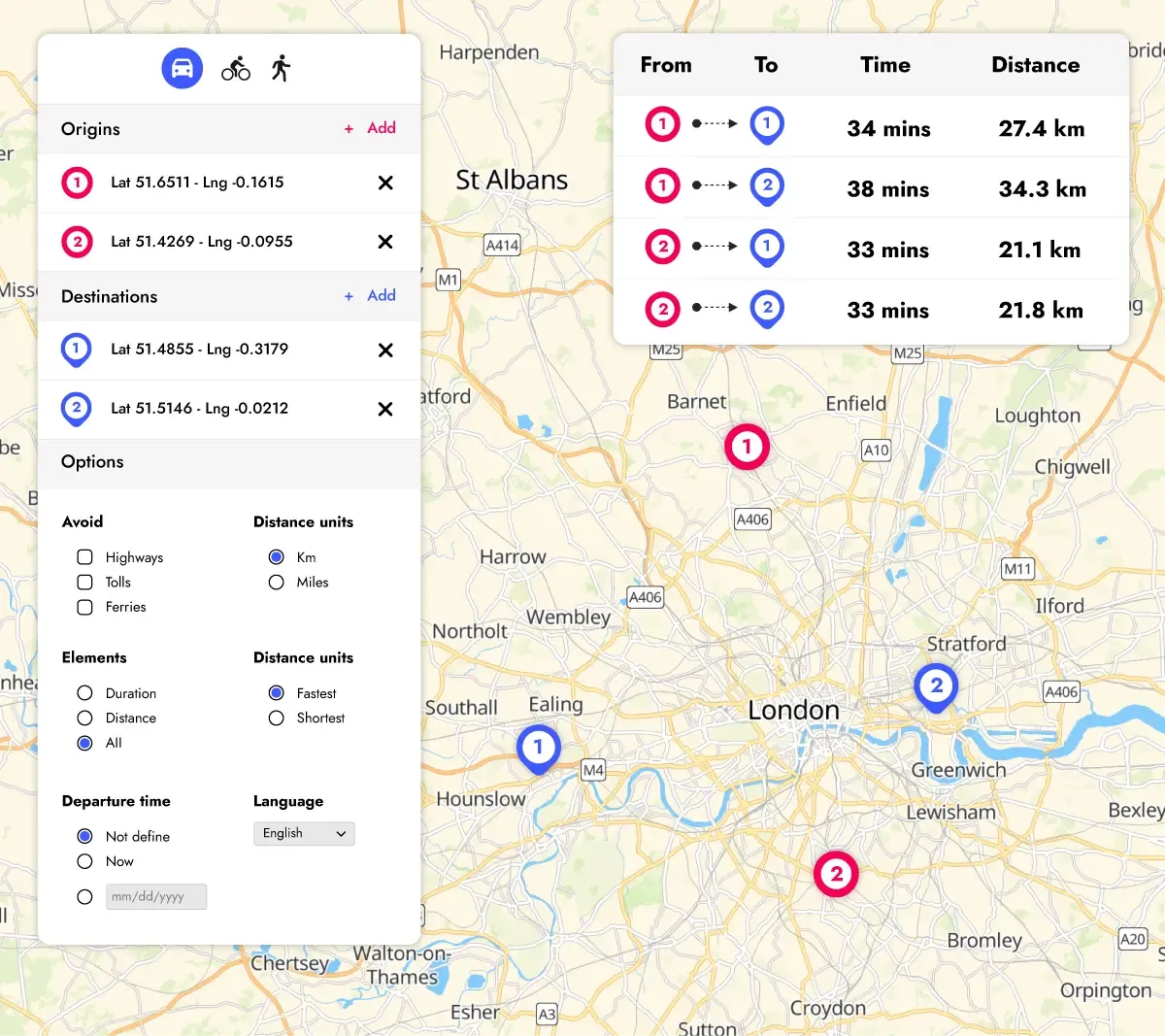
Distance Matrix API for multiple destinations
Calculate road distances and travel times between multiple origins and destinations in a single request. Choose driving, cycling or walking. Driving durations use average speeds, or live traffic when you specify a departure time.
Use these results to compare destinations by the journey required to reach them, for example when presenting stores or pickup points. Explore the parameters in the Distance Matrix documentation.
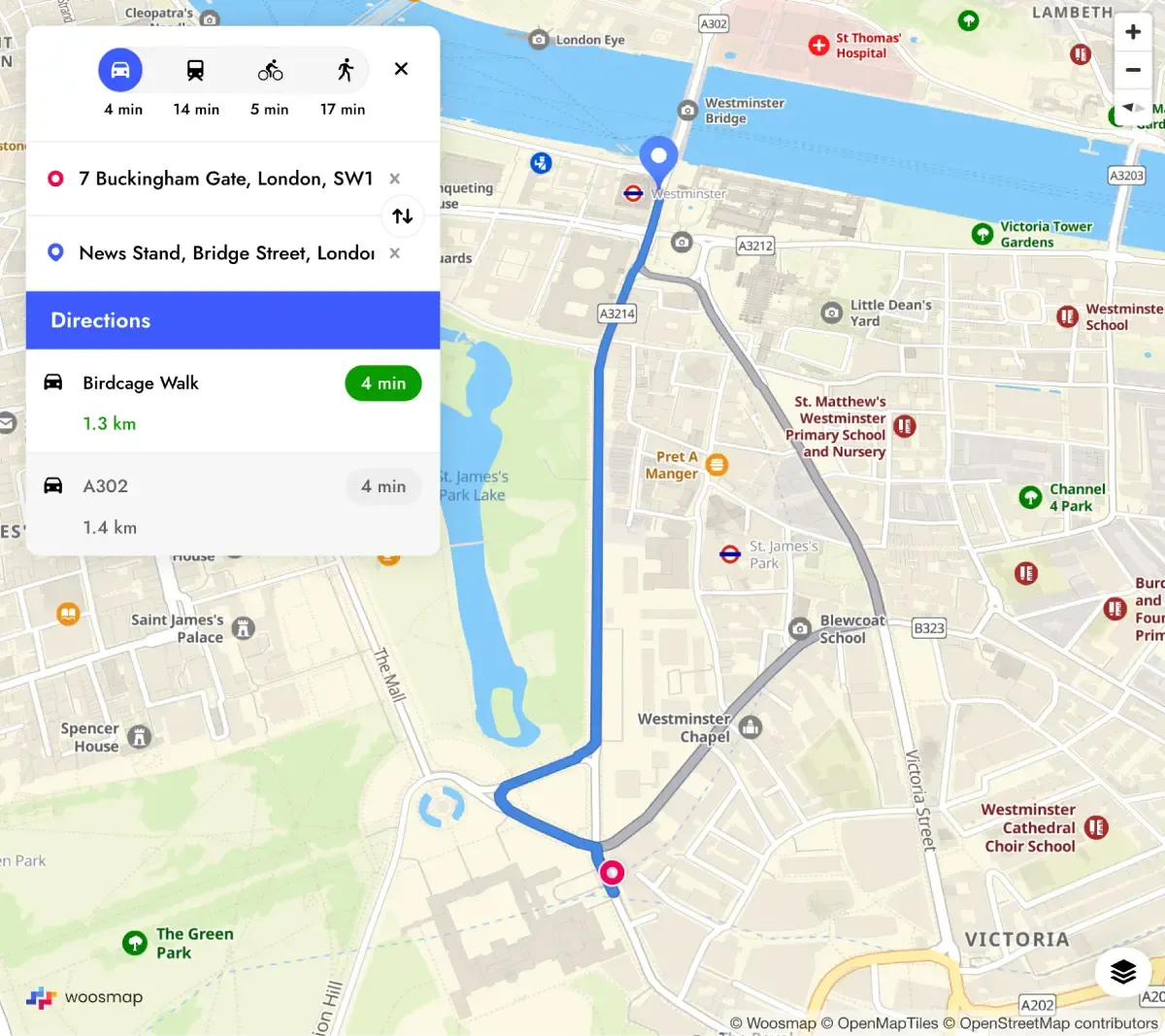
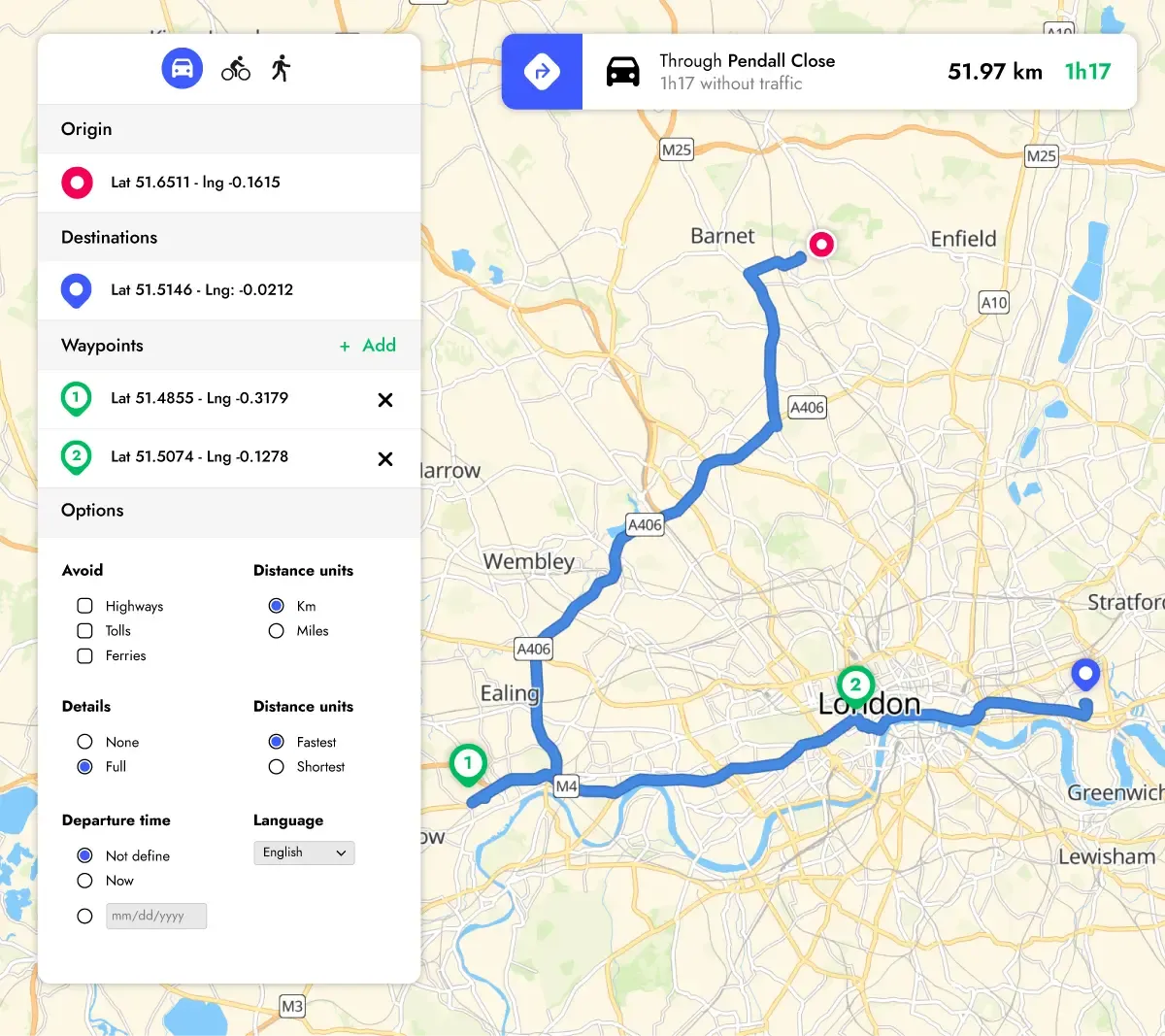
Route API for routes and directions
Draw a route in your application using its geometry, returned as an encoded polyline, and request alternative routes when useful. Detailed turn-by-turn instructions are available for routes calculated without traffic.
After comparing destinations with Distance Matrix, use Route to show the journey to the selected destination. See the Route documentation for the available parameters.
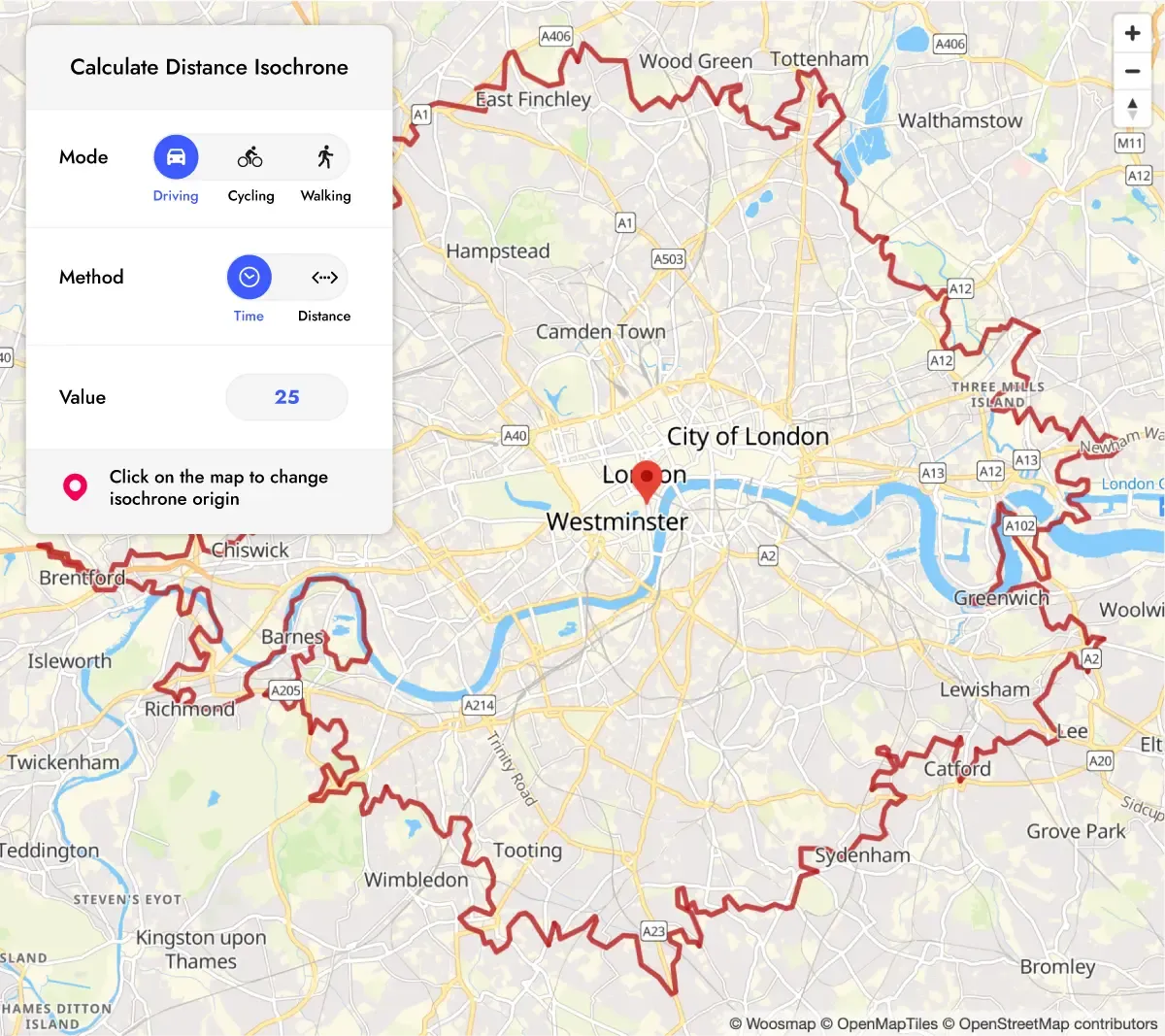
Isochrone API for drive-time catchment areas
Map the area reachable from a location within a chosen travel time or distance. The returned polygon can help you define a delivery zone, assess a store's service area or compare potential locations.
Choose driving, cycling or walking according to your use case. See the Isochrone documentation for the available parameters.
Toll costs and public transport routes
What teams build with Distance
THEY Trust Distance API


Keep your current map provider
Distance works with the map provider of your choice; geometry matches best on Woosmap Map, built on the same geographic data.
Try Distance in three steps
Create an account
Start on the Free plan, with no credit card required.
Create an API key
Create an API key for your project and follow the getting-started guide for configuration and security. Never expose a private key in client-side code or commit it to version control.
Run the official samples
Open or clone the official samples from the documentation and swap in your own origins and destinations.
Questions about Distance
Usage-based pricing: per request for Route and Isochrone, per element for Distance Matrix. Start on the Free plan, no credit card required; volume-based discounts on Enterprise. See current rates on the Distance pricing page.
99.9% SLA on the Enterprise plan. Contact our sales team to discuss it.
Begin with the getting-started guide for keys and request format. Each endpoint page then describes its parameters and response, so you can scope the work.
Start calculating travel times with Woosmap
Create an account to start on the Free plan, with no credit card required. For volume or an Enterprise licence, contact our sales team.