


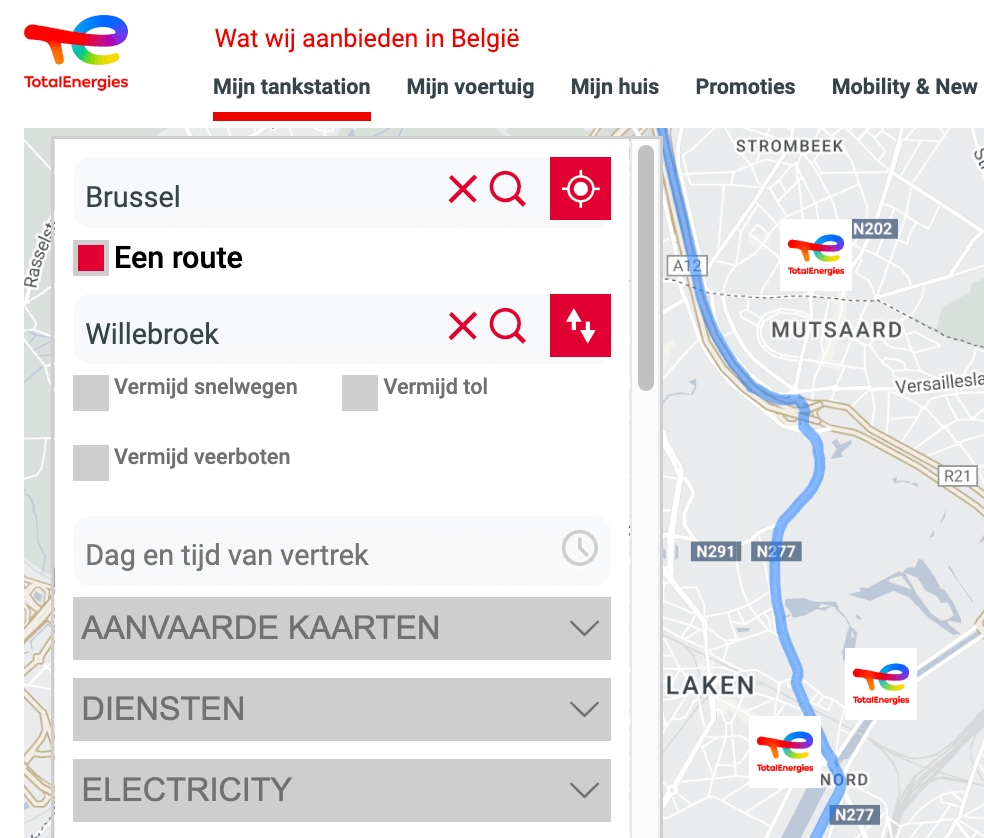
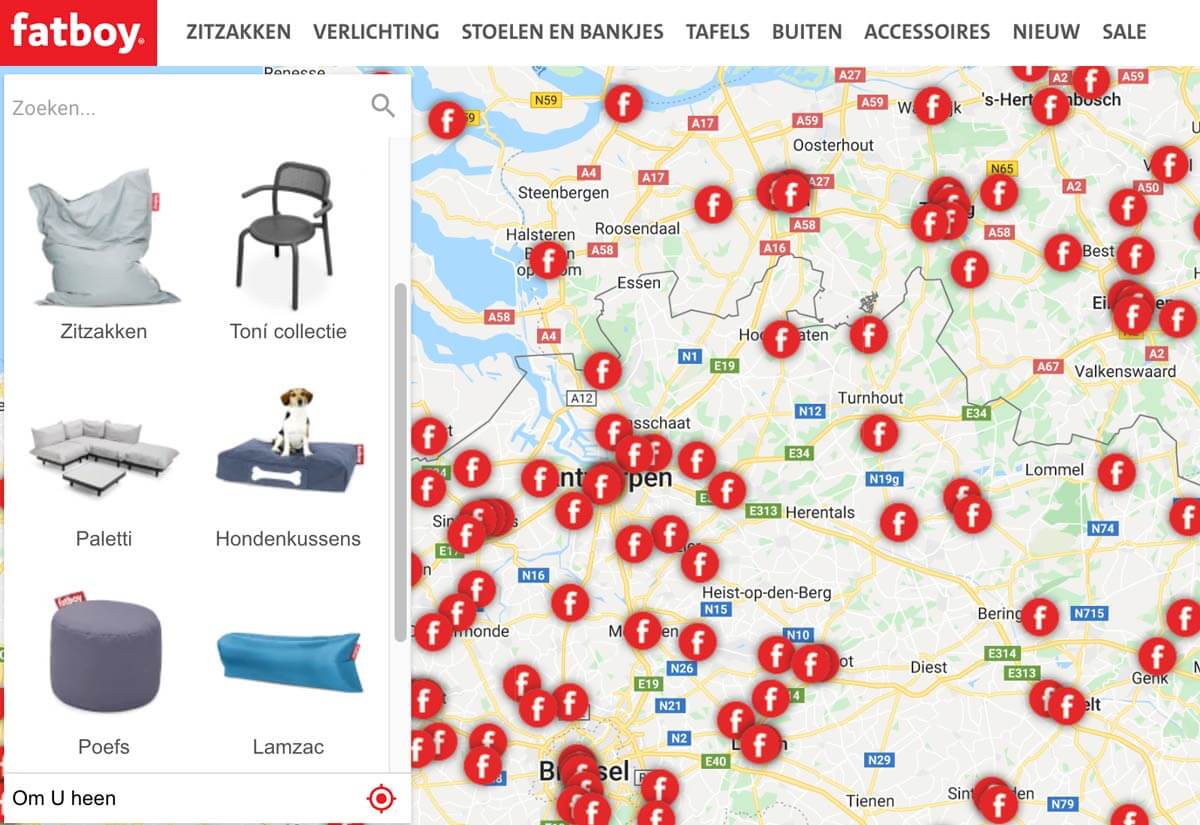
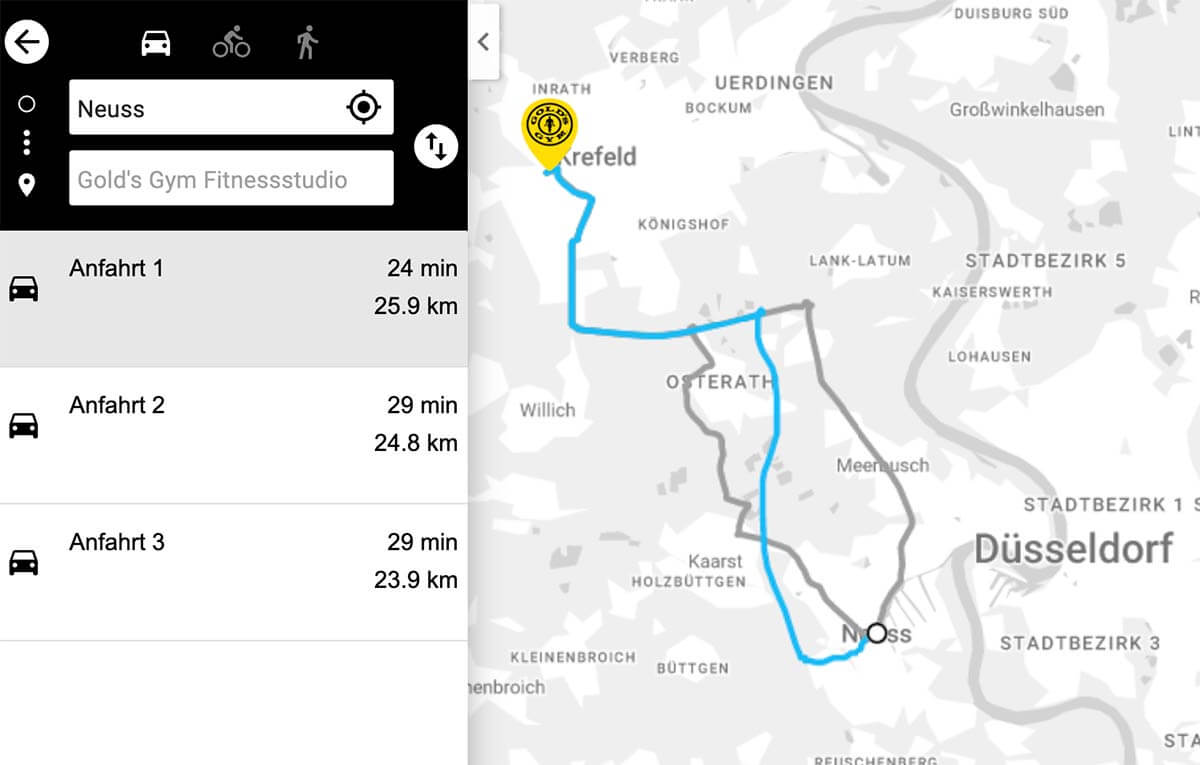
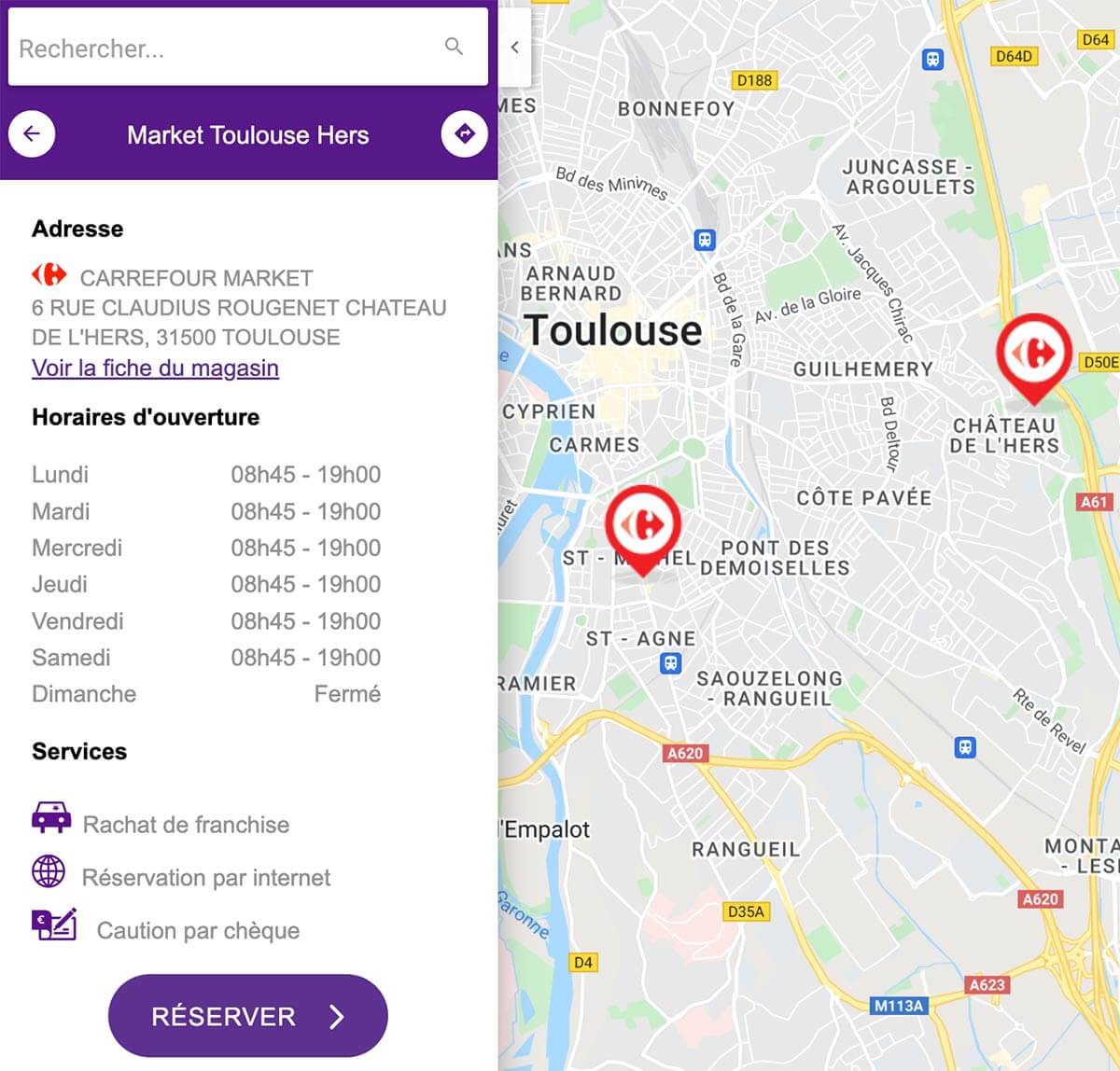
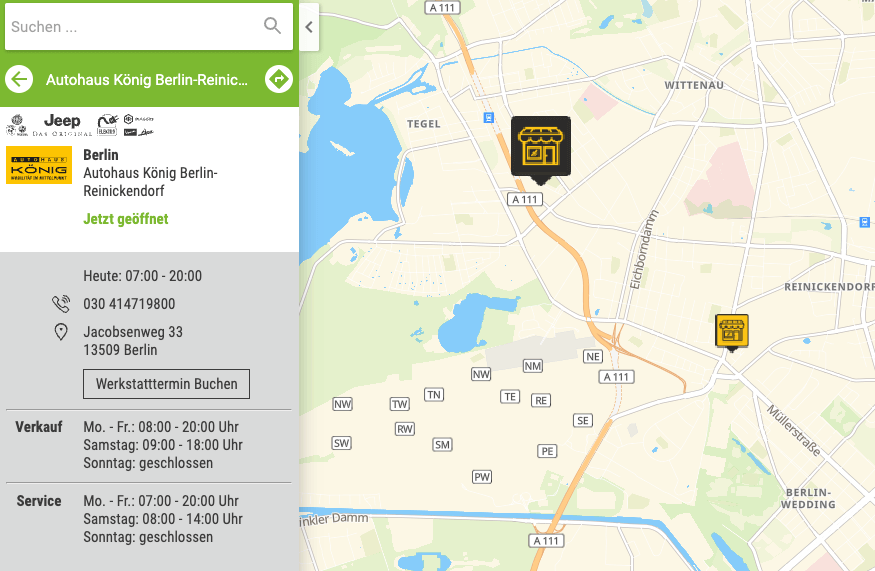


What is a Store Locator?
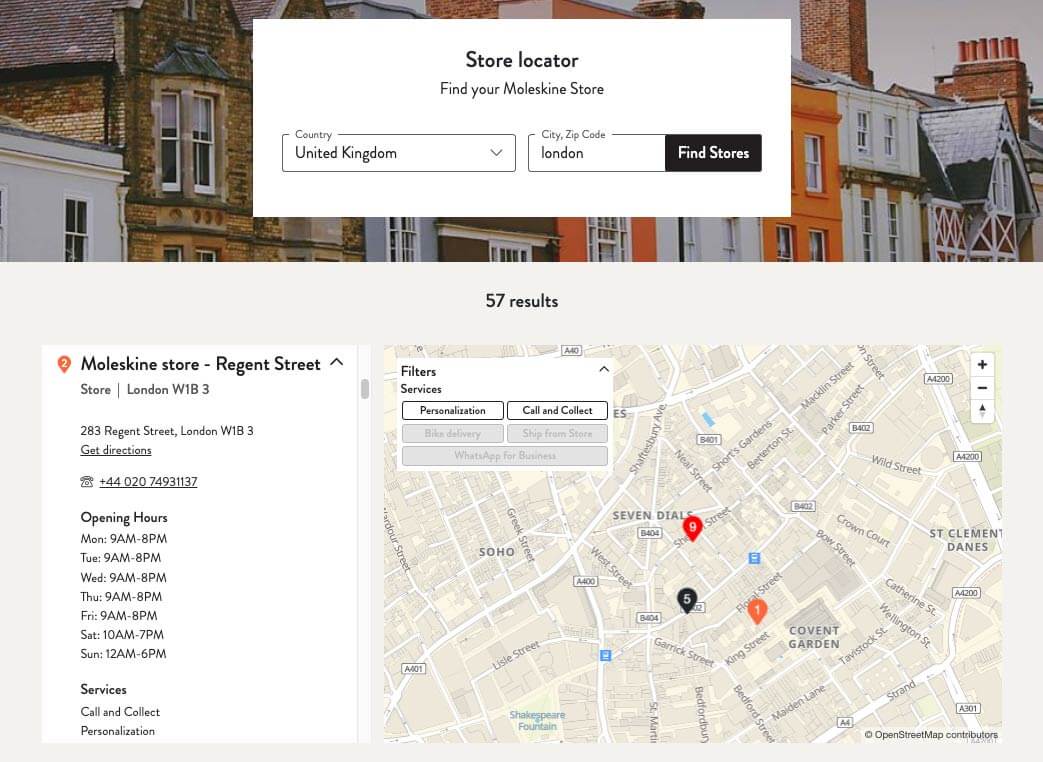
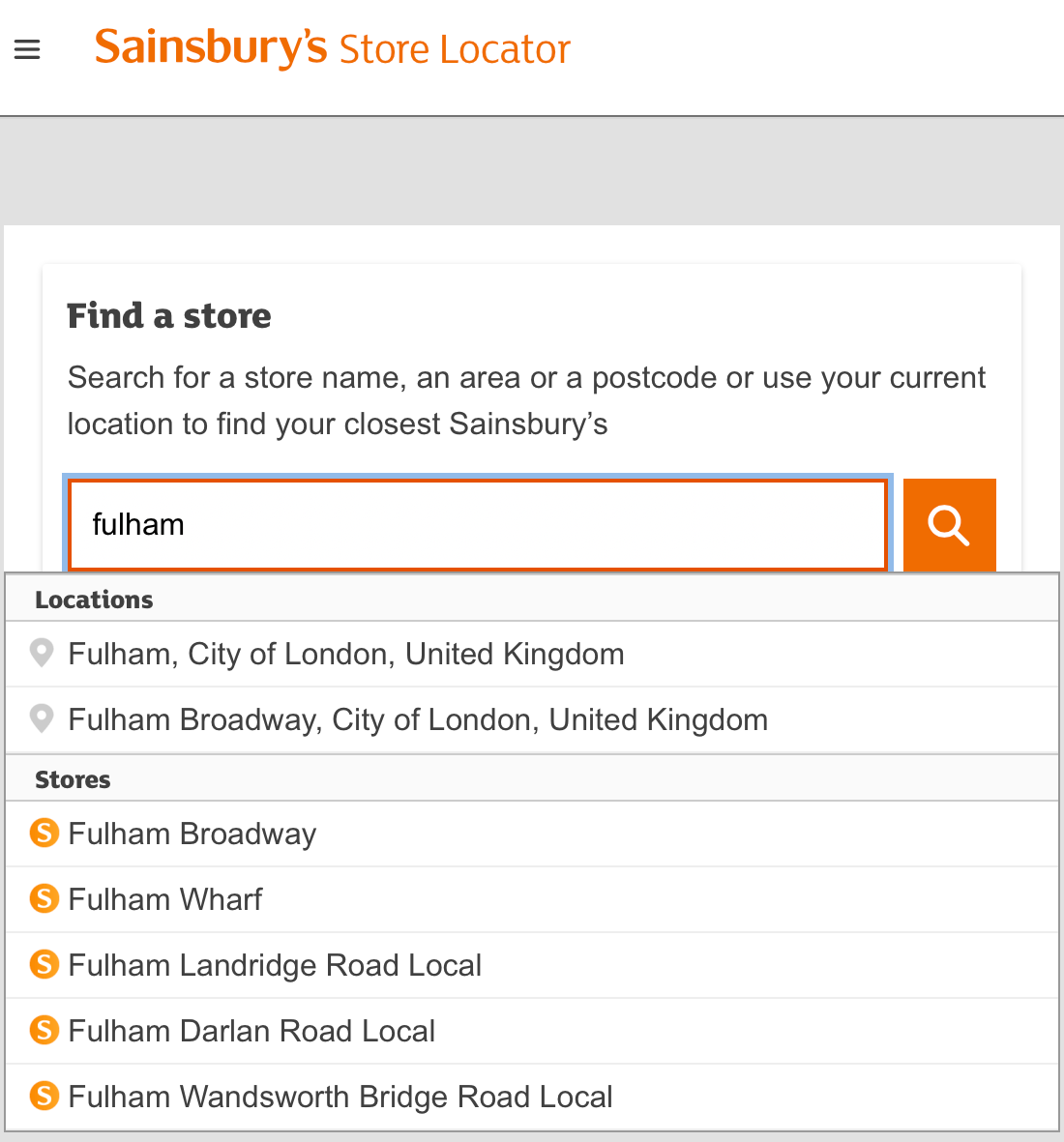
A Store Locator is a tool for digital platforms and mobile applications that enables quick and easy search of a store, venue, or any specific location, closer to the user.
Other than the location with the address, you can also add information about your venues such as opening hours, contact information, photos, your website, etc., display all of it on a dynamic map and sort searches by road distance.
Do I automatically need to implement a map?
The Store Locator API can be implemented without a map and display your stores in a list with the associated information (address, contact, status, logo, photos…).
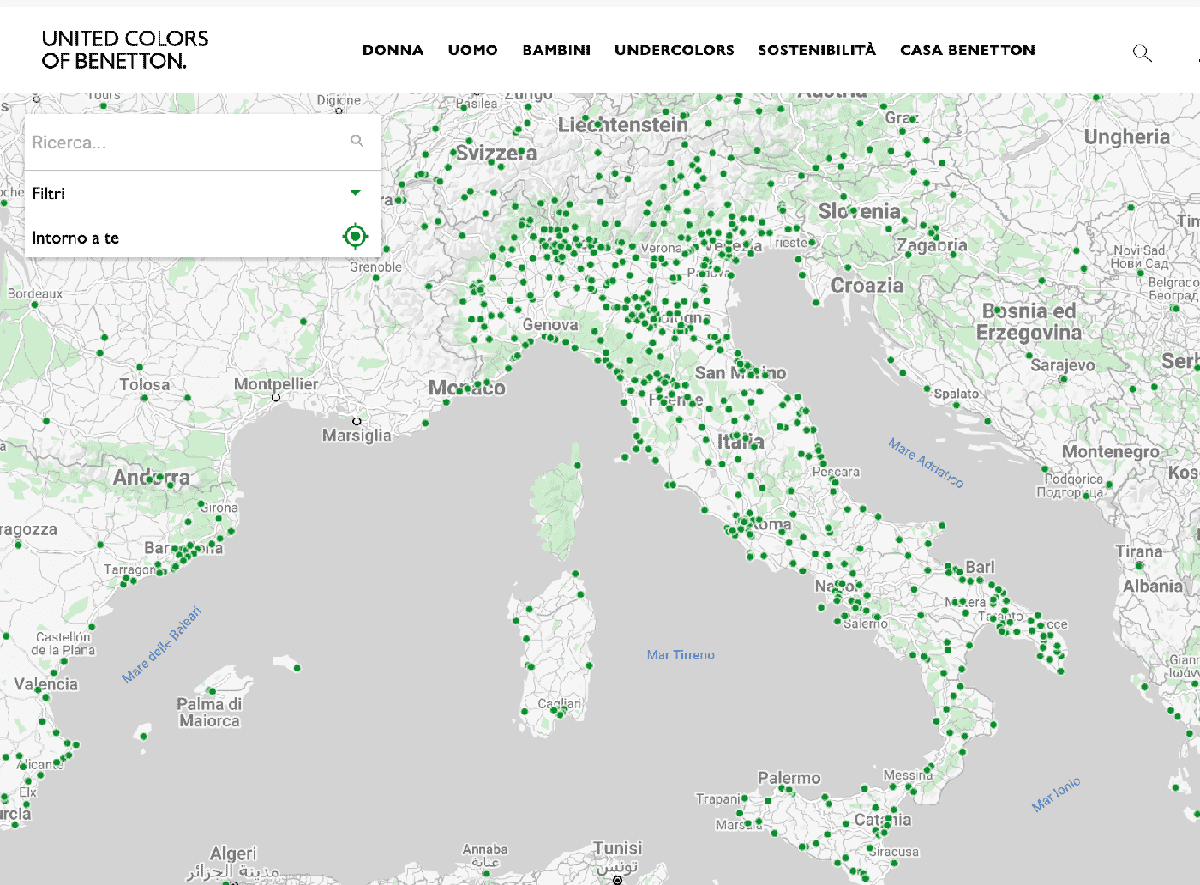
However, we recommend to display your stores’ location on a map, with markers, as it is more visually enticing and ease the decision making process for users.
How many stores can I display?
With its powerful mapping engine, Woosmap streams all store locations at any zoom level on the map, without limitations, easing the decision making process compared to clustering.
Woosmap also supports clustering that may be useful in situations where there are lots of locations to pinpoint on a map.
How do I implement Woosmap Store Locator ?
You can opt for a ready-to-use Store Locator widget ; this requires limited configuration and can be implemented quickly.
Or you can use Map JS API to build your Store Locator with different bricks for more freedom with the final rendering. We recommend you to use the starter sample to begin the implementation.
Should I opt for Store Locator Widget or Store Locator JS Library?
It all comes down to your level of customisation.
The Store Locator Widget is primarily designed with configuration and very little coding created thanks to our years of experience in UX for Locators. This helps in faster implementation of a fully functional Store Locator.
However, if you want much more customization or styling options like adding personalised store markers or info windows, the starter sample is the best option for you.
Read our tutorial to configure the Woosmap Store Locator Widget.
Can I create a pick up points Locator for my checkout?
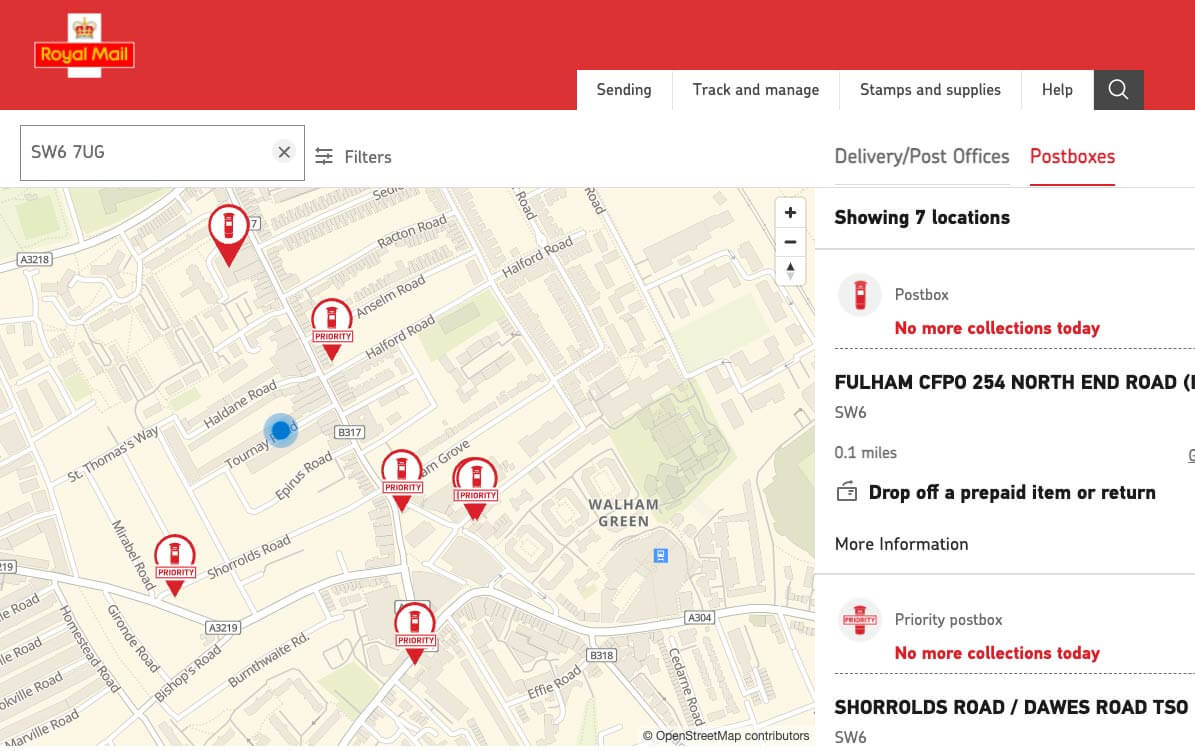
You can create a Locator for pick up points by displaying them on a map at the users’ check out or on a product page.
Our API can manage a large number of points and display all of them on a map (either with the Woosmap Widget or with custom made markers - depending on the kind of marker you want).
If you want to go further, adding the Search API allows you to add several attributes for pickup points to make them searchable (examples: open on Sundays or during evenings, compatible with big parcels…).
In addition to your pick up Locator you can add the Distance API to calculate the distance between the user and your locations with Estimated Time of Arrival depending on their mobility.
How do I know what my visitors are doing in my Store Locator?
Carry out statistical analysis with the user events and the data it generates. Events can be defined by the clicks on your contact information, distance calculation, clics on your website and more.
All information is anonymised as we based our activity on the principle of “privacy-first”.
You can read more about it here.
Where do I see and manage my metrics?
On the Woosmap Console, log in your account and search your project. You will be able to see all usages for your APIs as a whole and individually. This dashboard allows you to understand your consumption or your clients usages.
Can I display points of sale in China?
Woosmap’s APIs can be used in China, contact us to get more details on what's available and how to start.